
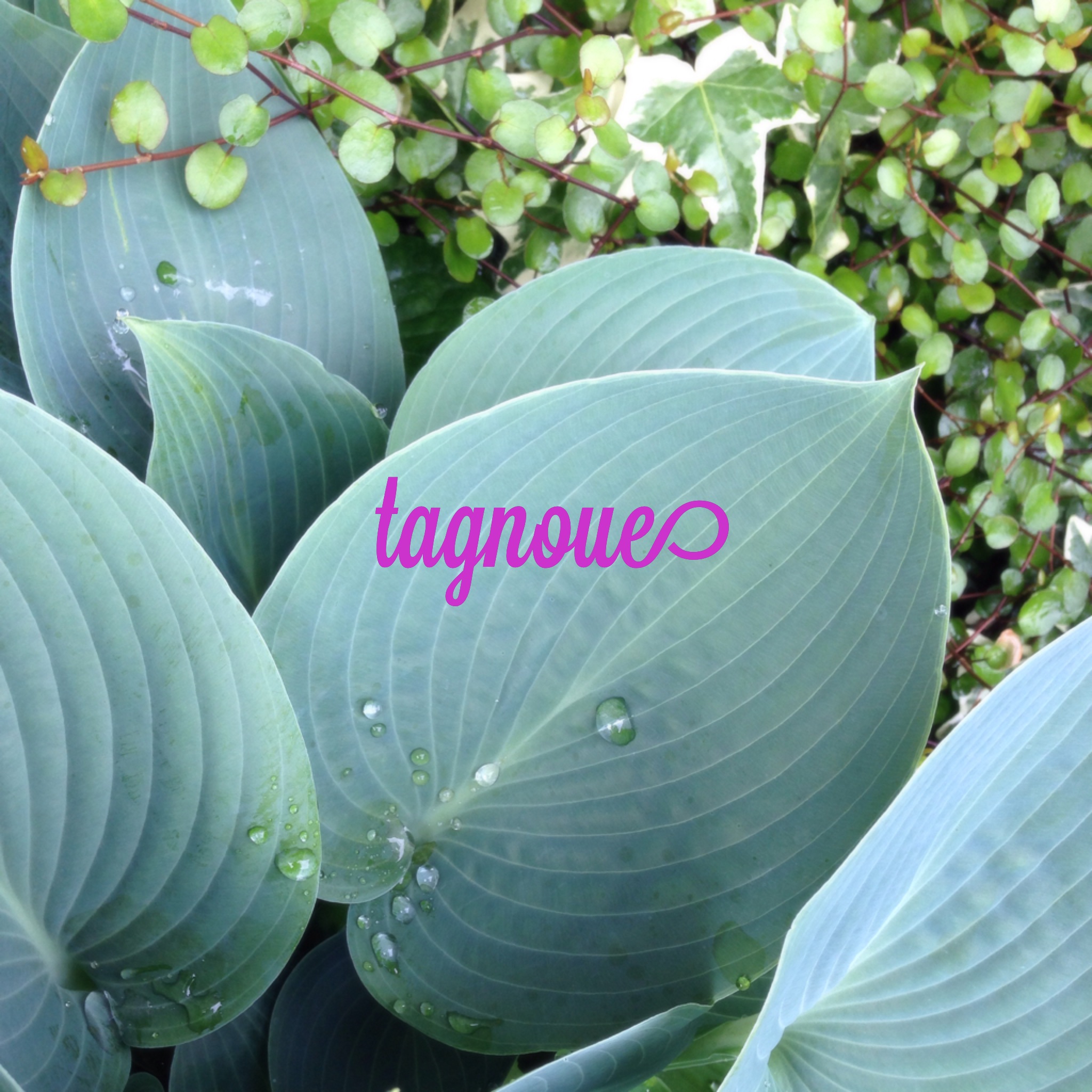
I usually don’t edit my photos. I have nothing to speak of its reasons. Just to say, photo editing application is a bit expensive and I’m not used to edit pictures because my first camera was analogue one. Of course I know there are some good free software like GIMP and there’s always exception.
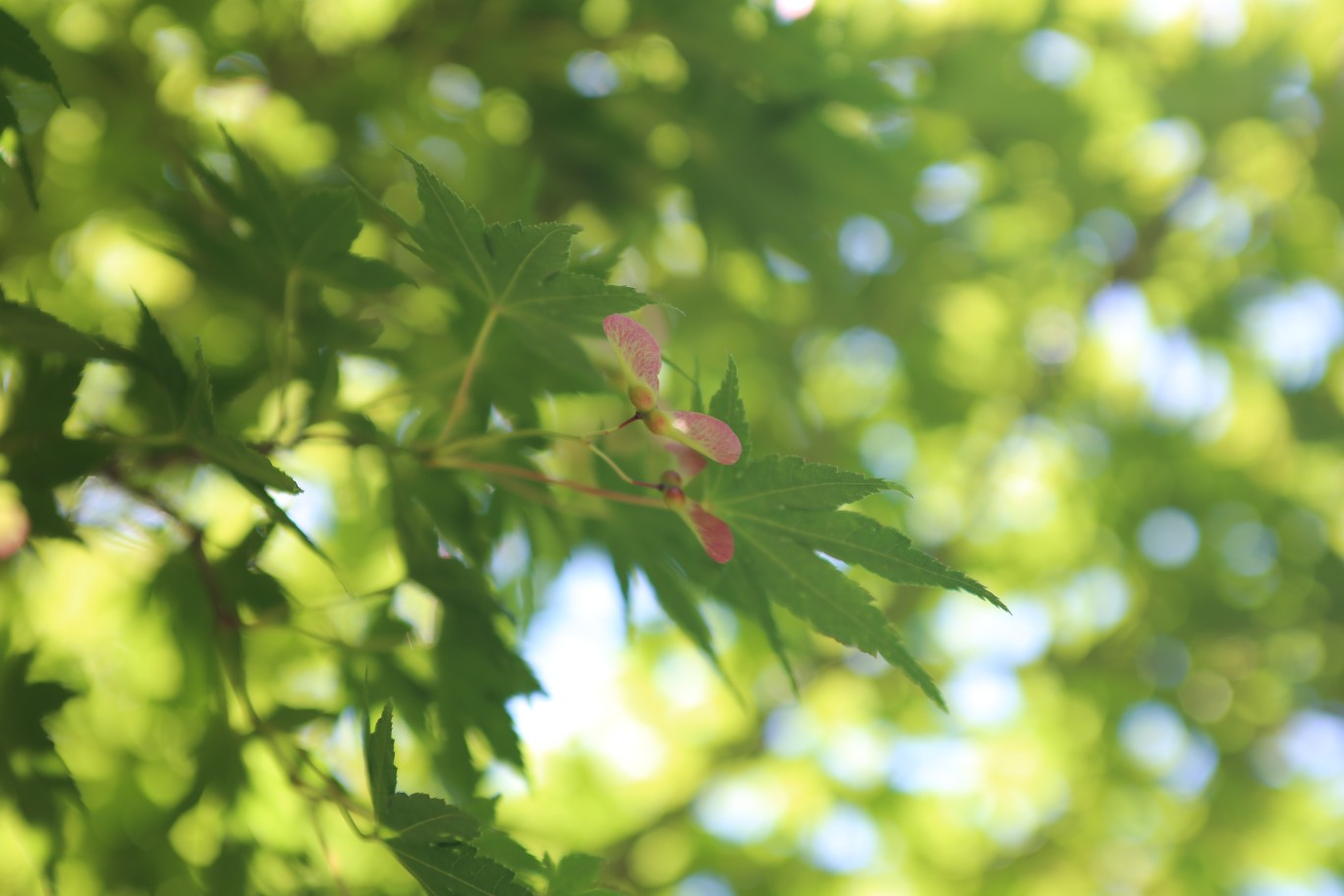
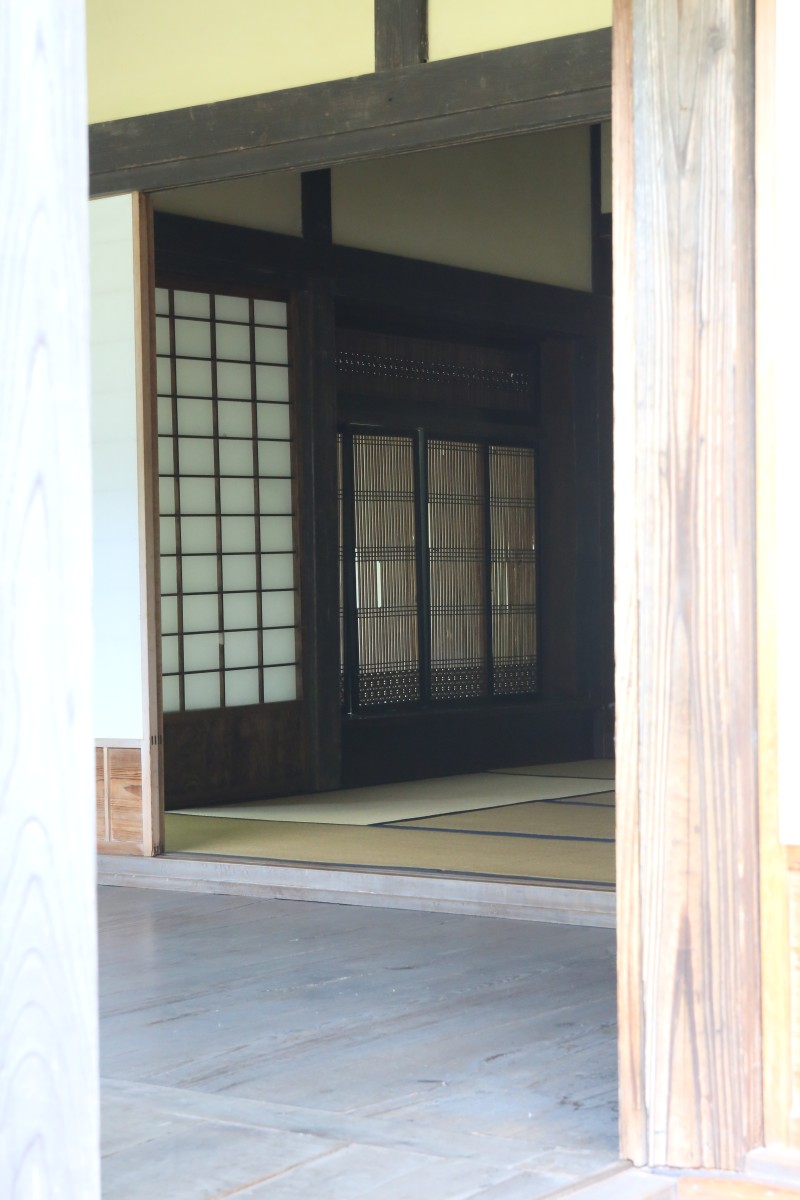
Sometimes I take a picture with intention to crop it for a panorama one. As regular readers probably know, though the title of “Photo panoramique” doesn’t mean panorama photo but wide view, I posted some cropped pictures already.
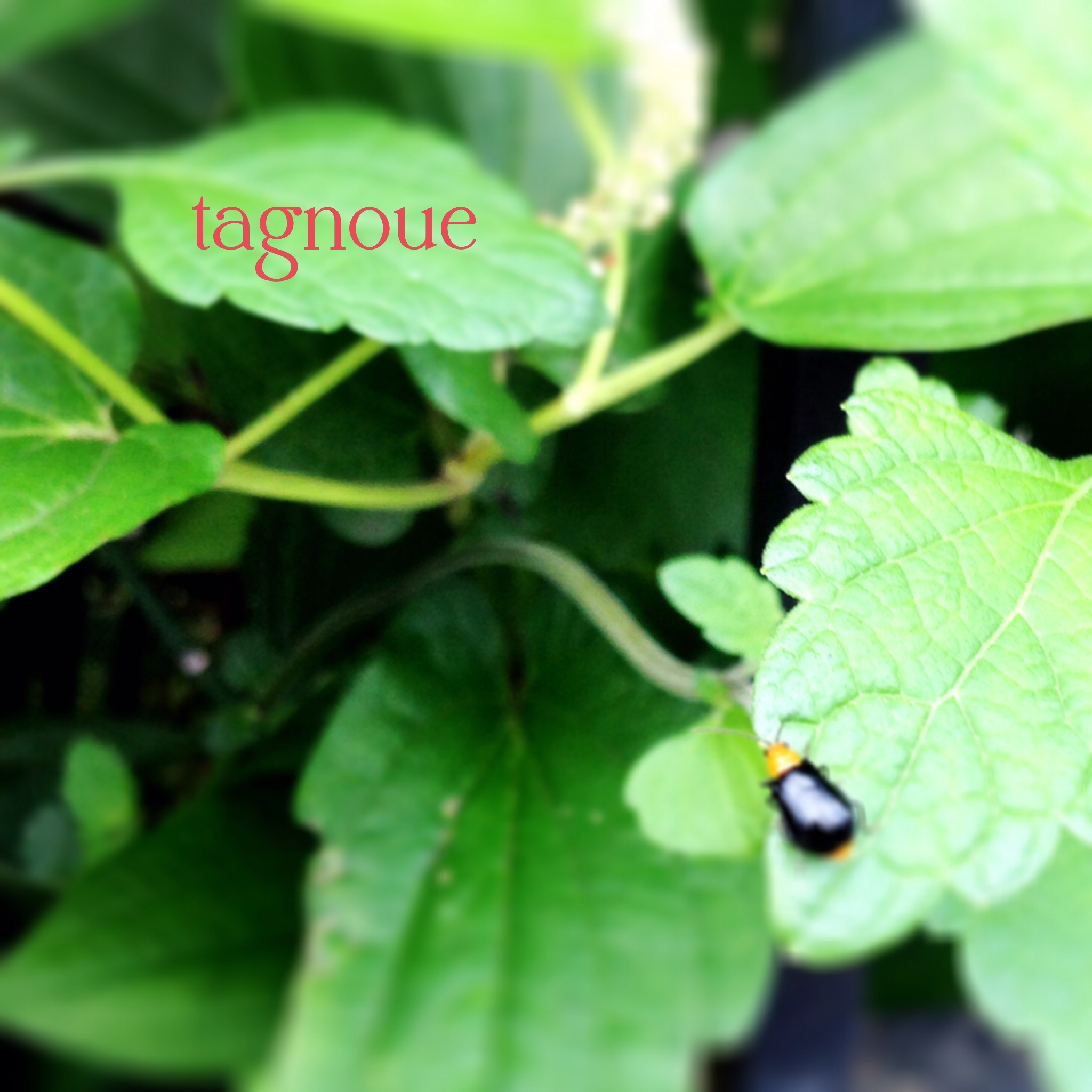
いつもは写真を編集することはない。特に理由があるわけでもない。あえて言うなら、写真編集ソフトは少々高いし、フィルムカメラから写真を始めたので編集するのに慣れてないということか。もちろんGIMPのような優れたフリーソフトがあるのは分かっているし、常に例外はある。
時々はパノラマにトリミングすることを意図して写真を撮っている。いつもこのブログを読んでくださる方は恐らくはご存知の通り、トリミングした写真を何度かアップした。タイトルはパノラマ写真の意味ではなく、色々な視点という意味ではあるが…
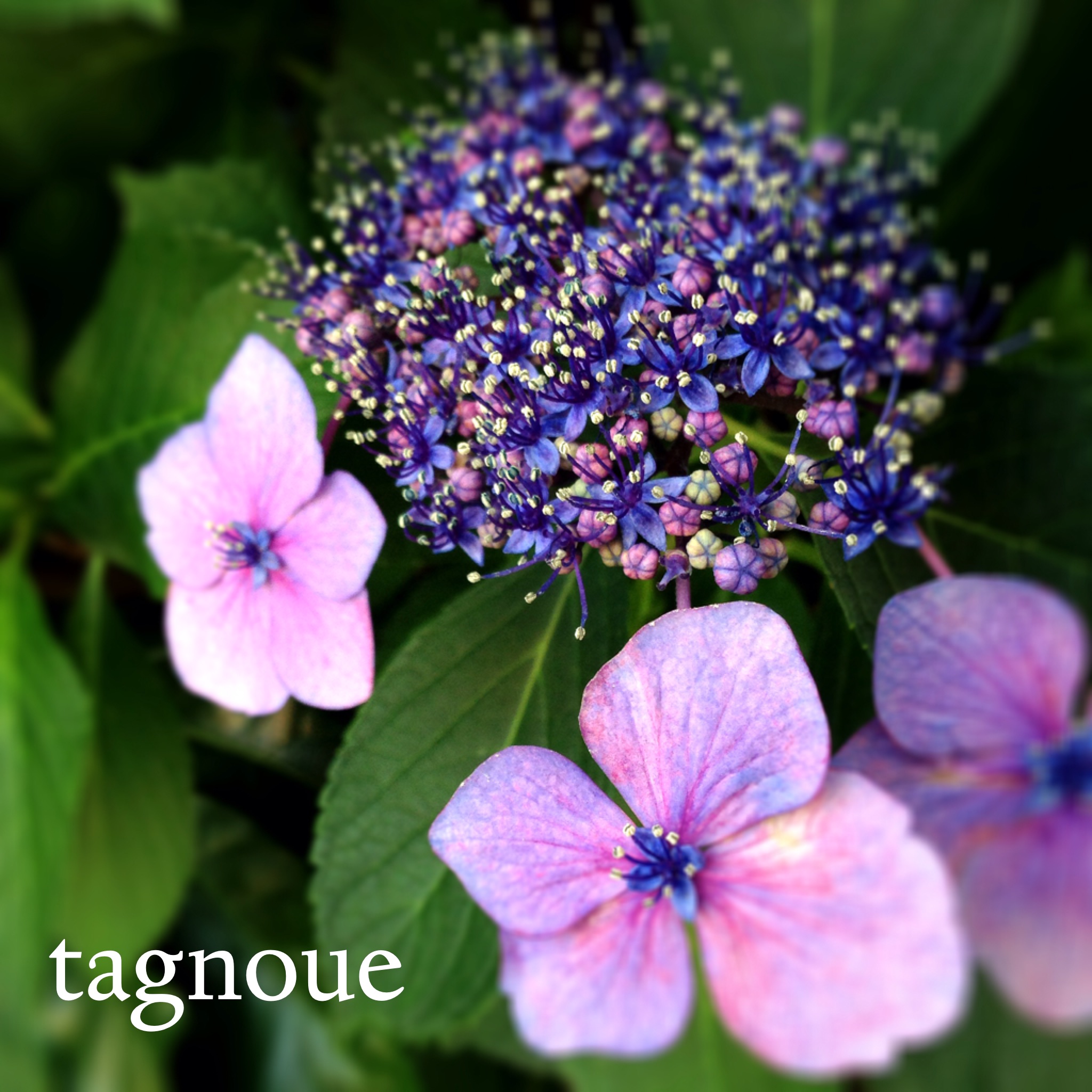
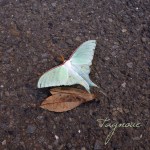
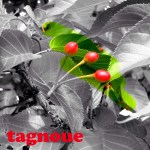
Then, now I have added a new exception, iPhonegraphy. In this post, I edited some pictures taken with iPhone. The rule I defined this time was simple. To crop a picture with square shape, to add a word (tagnoue) and to apply at least one effect. I hope all of you like this.
そして今、新しい例外を付け加えることにした。iPhonegraphyである。この投稿では、iPhoneで撮影した写真を編集している。今回決めたルールは簡単だ。正方形にトリミングすること、tagnoueの文字を入れること、何かひとつ編集効果を入れること。気に入っていただけることを祈るばかりである。



 l'atelier tanu | tagnoue